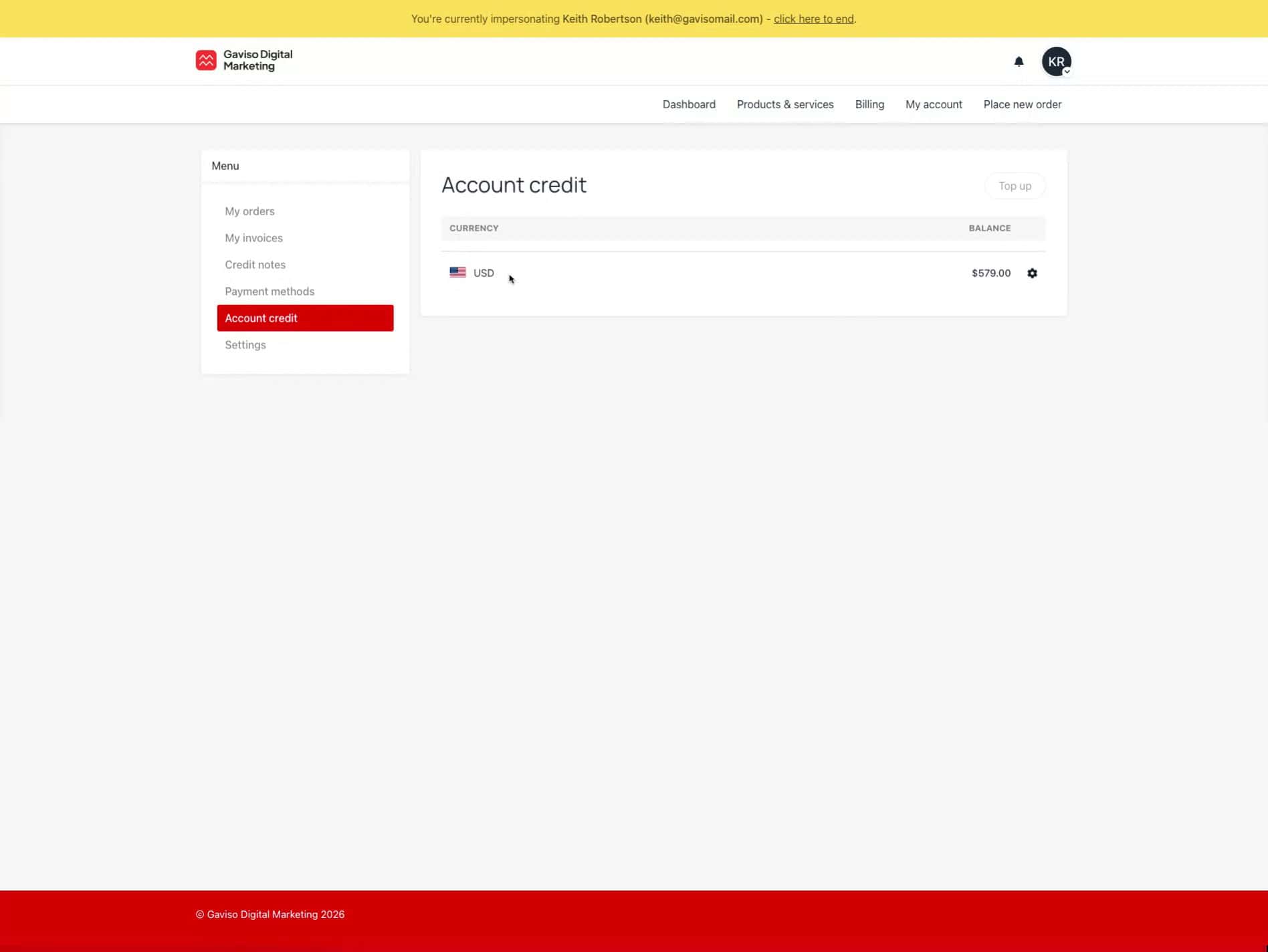

This guide will show you how to navigate to the account credit section and view the currency details within the Gaviso Digital Marketing platform.
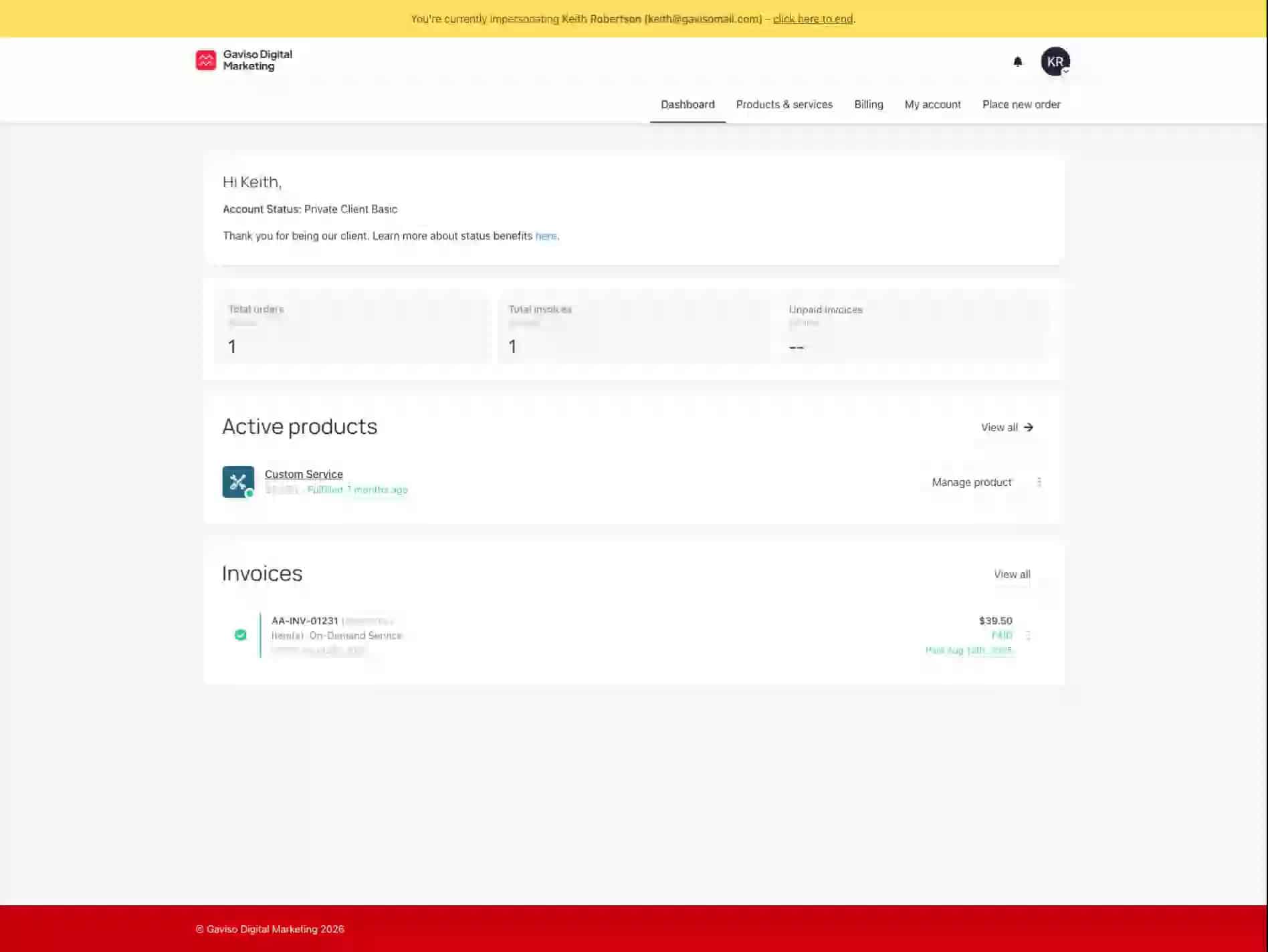
Access the user menu.
Click the user profile icon located in the top right corner of the dashboard. This action will open a dropdown menu with various options.
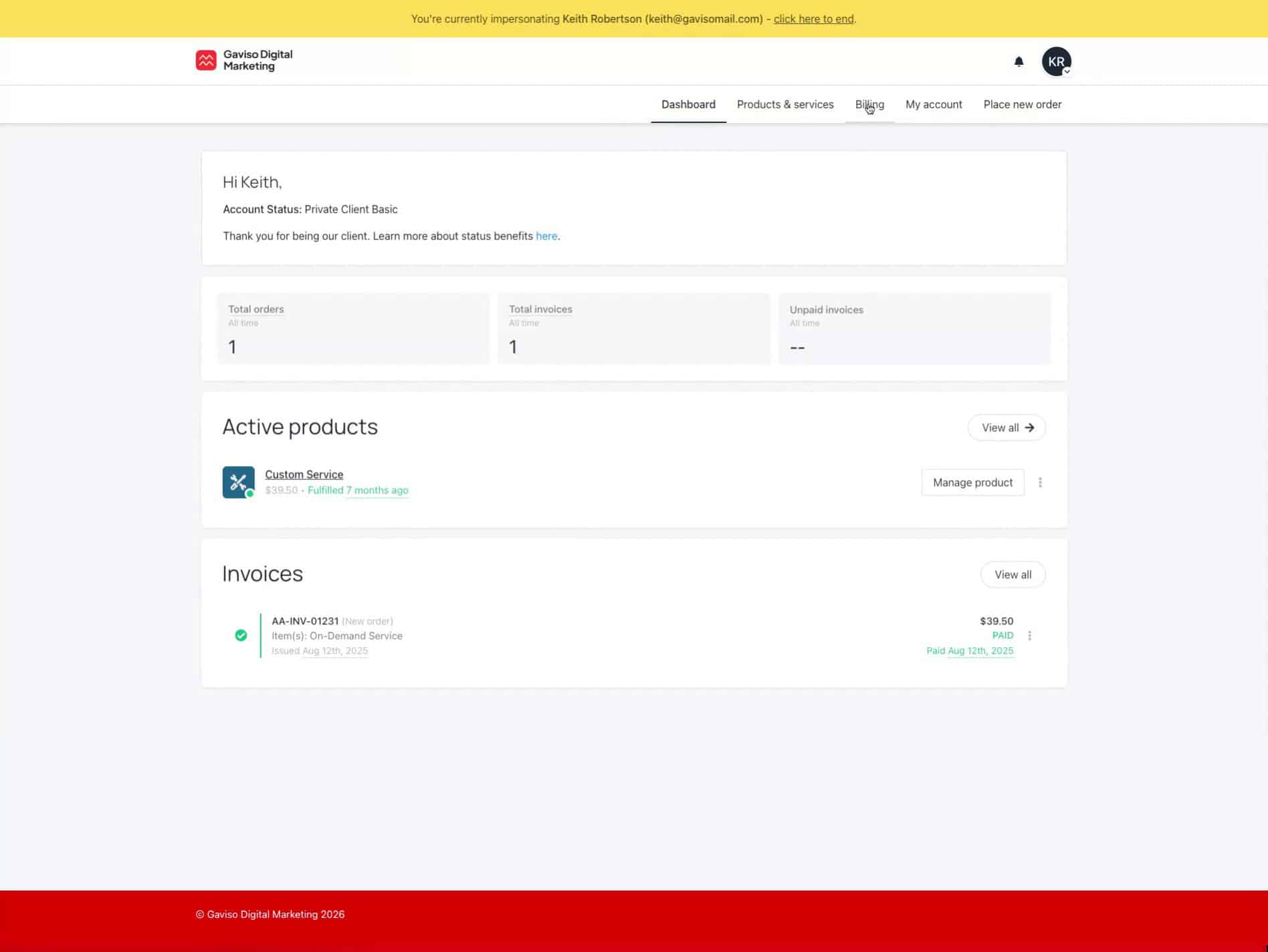
Navigate to the Billing section.
From the opened menu, click on the "Billing" option. This will take you to the billing overview page.
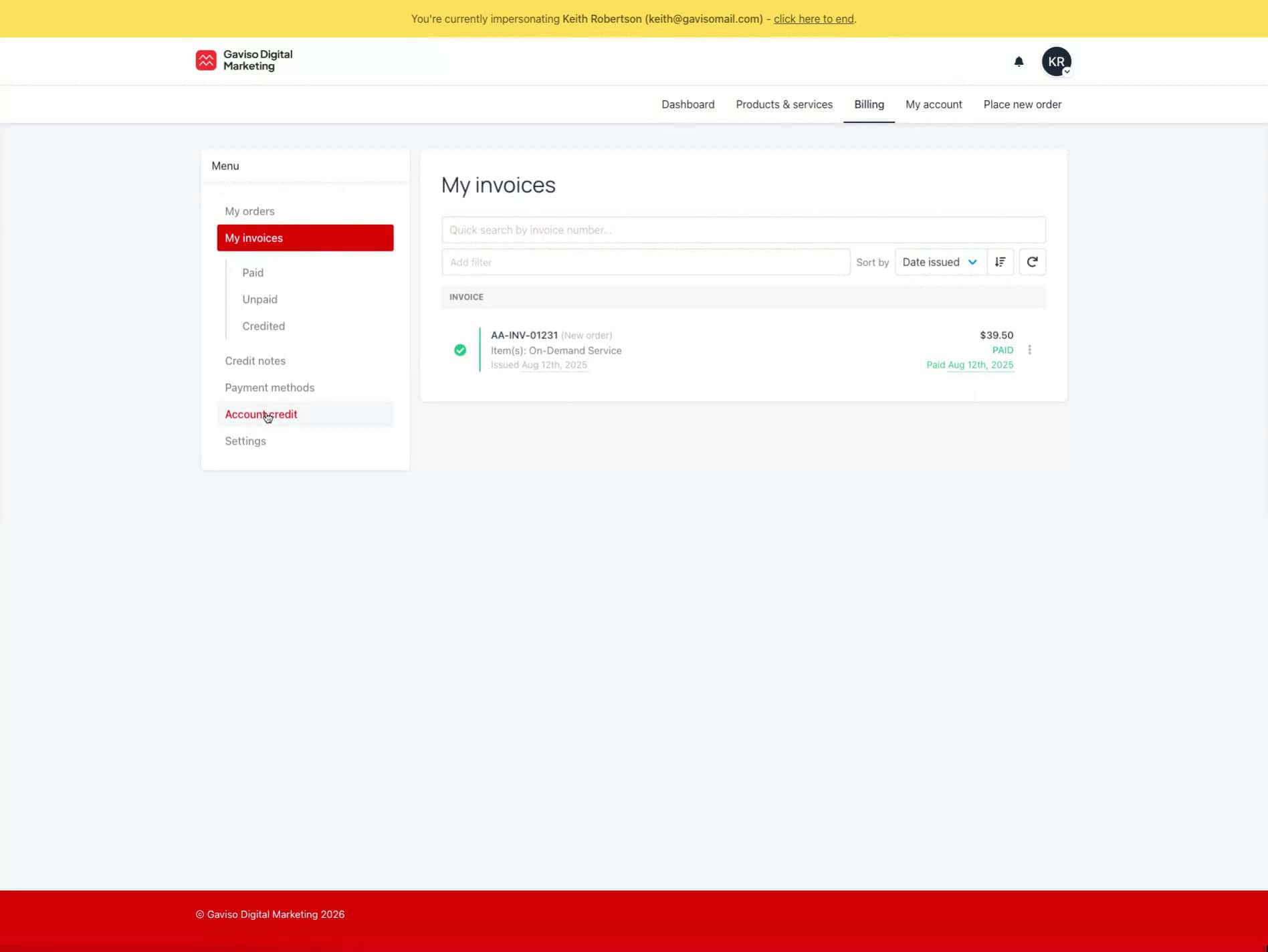
Go to Account Credit.
On the left-hand menu of the billing page, click on "Account credit". This will display your current account credit information.
View currency details.
Click on the "USD" currency display. This action will reveal further details related to the currency or account balance.