
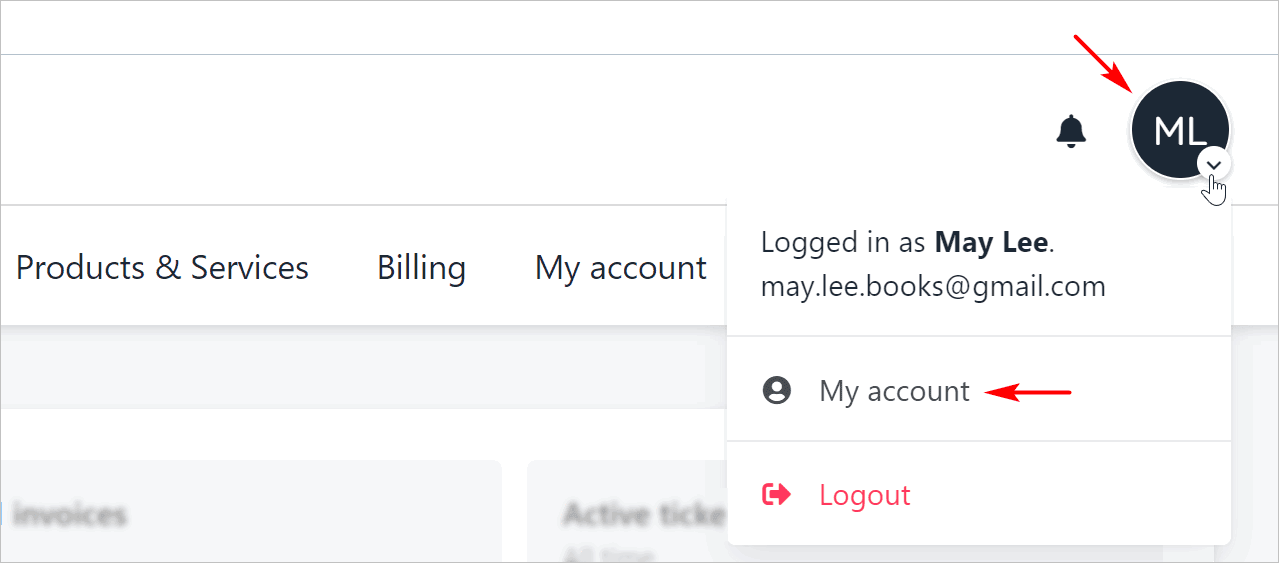
Opening the Account settings page
Log in to the store account.
Click the profile icon.
Select My account.
Editing profile information
You can add an email account, edit your address, or add a company or phone number.
Scroll through the page and change information as required.
Click Update.
Managing account security
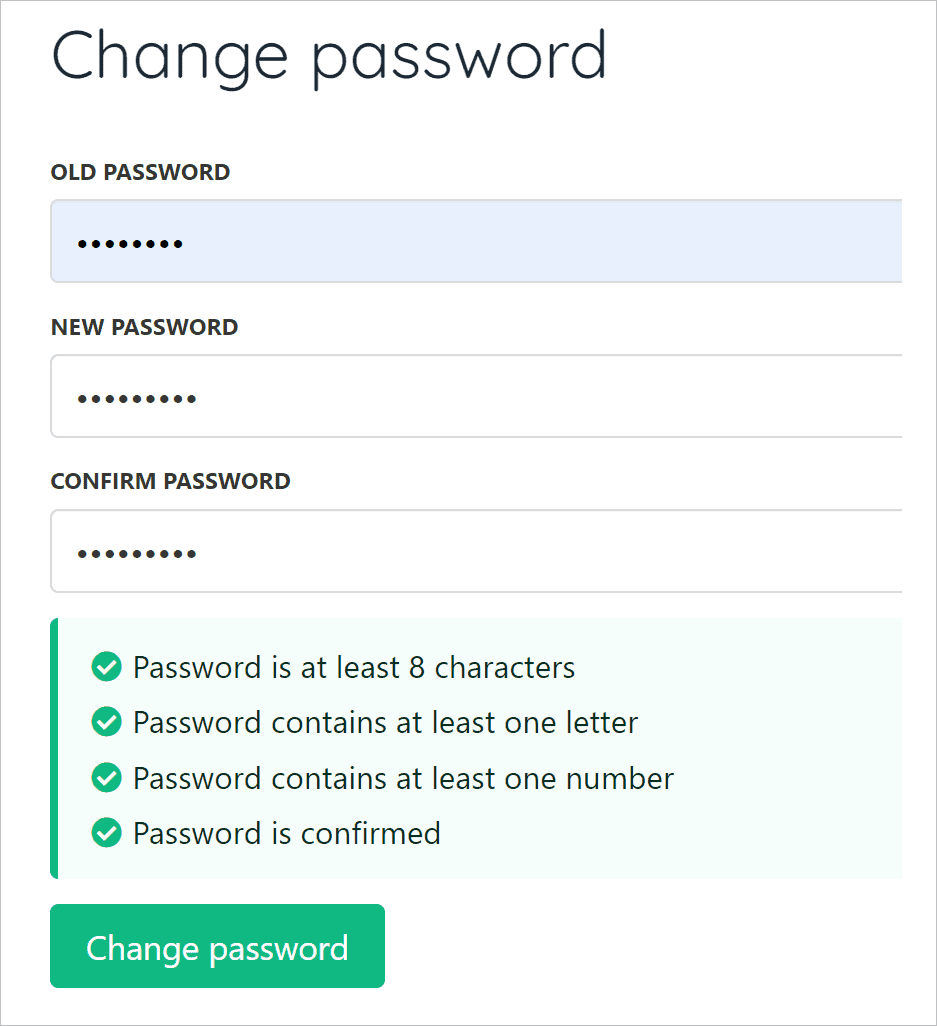
To change a password:
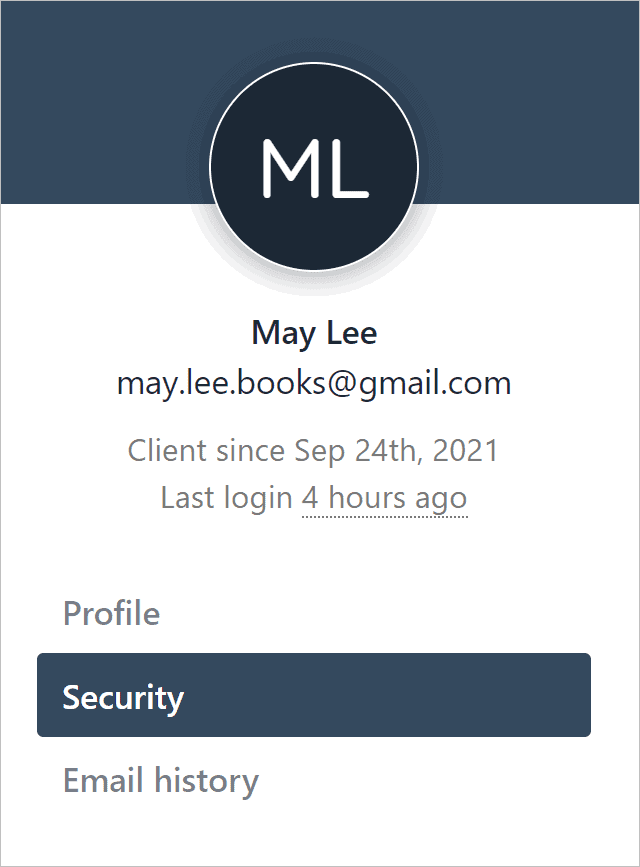
Click Security on the left menu.
Fill the fields.
Click Change password.
Enabling two-factor authentication
To enable and disable two-factor authentication, you need two apps on your mobile device: a QR code scanner and an authenticator (e.g. Google Authenticator).
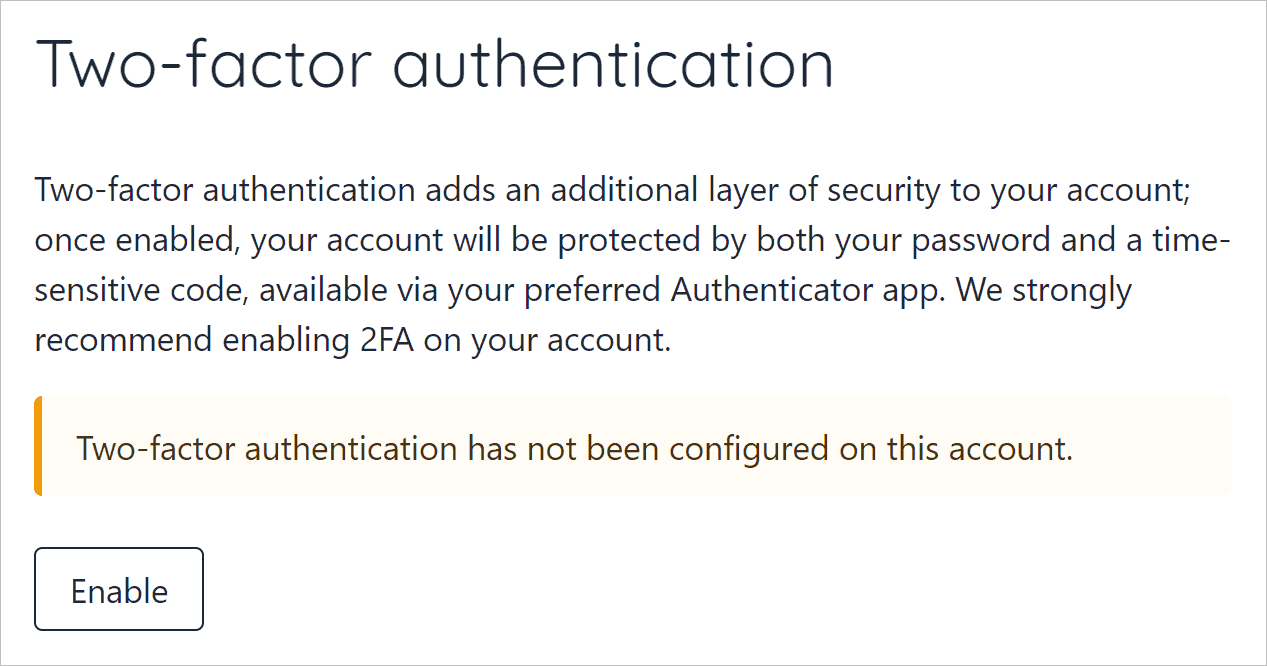
Scroll down the page and click Enable.
Scan the QR code with a mobile device app.
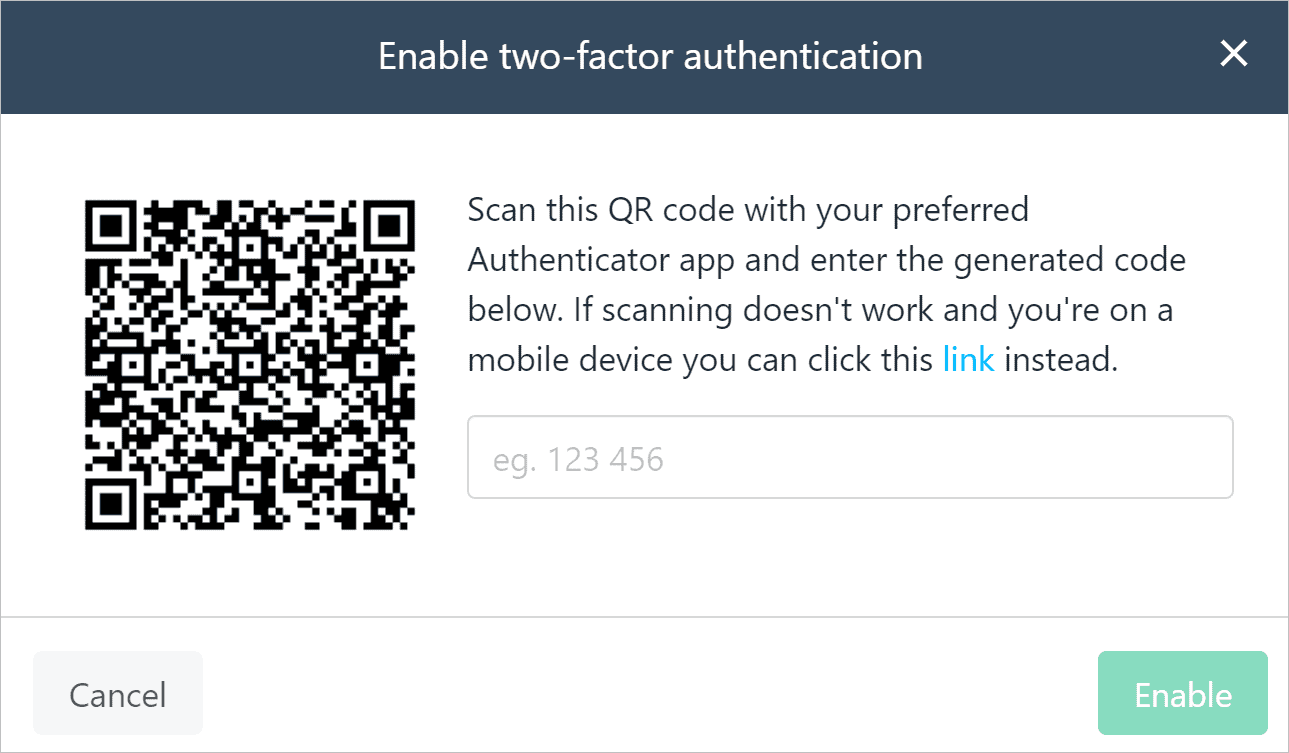
Copy the code.
Enter the code in the field (no spaces).
Click Enable.
Disabling two-factor authentication
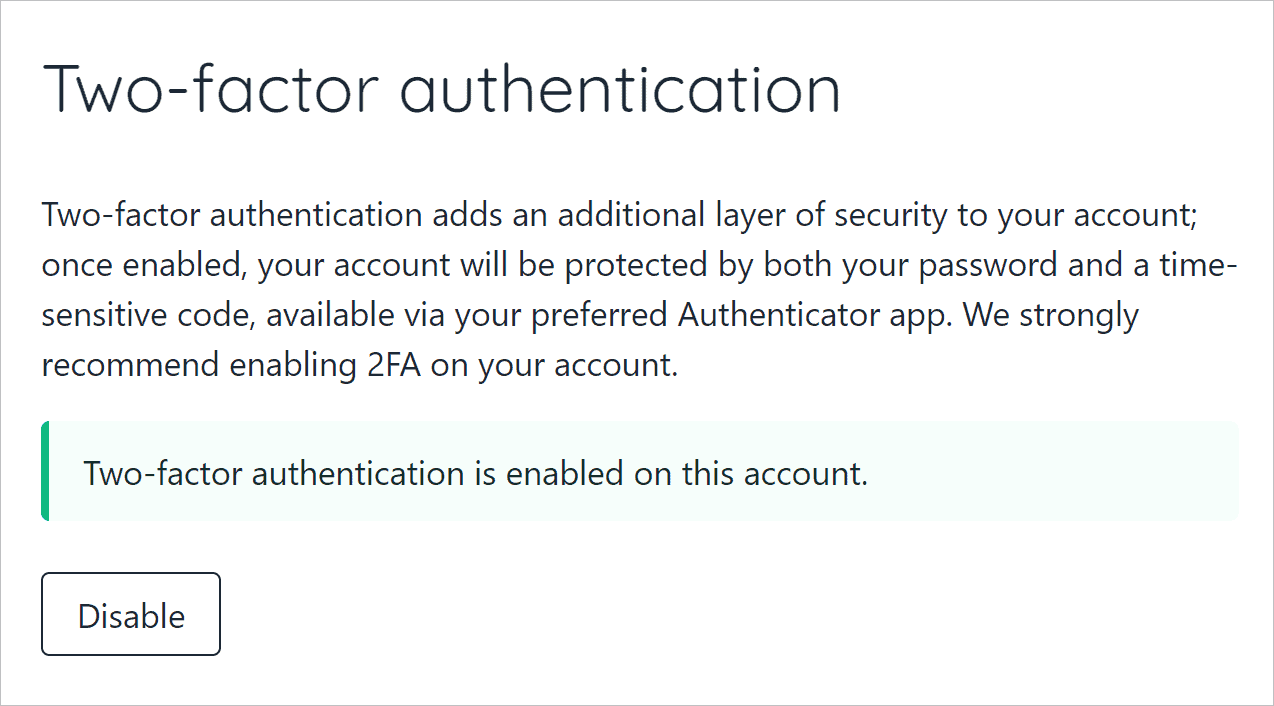
Go to the Security page and click Disable.
Open an authentication app.
Locate the security code.
Go to the Security page and enter the security code in the field.
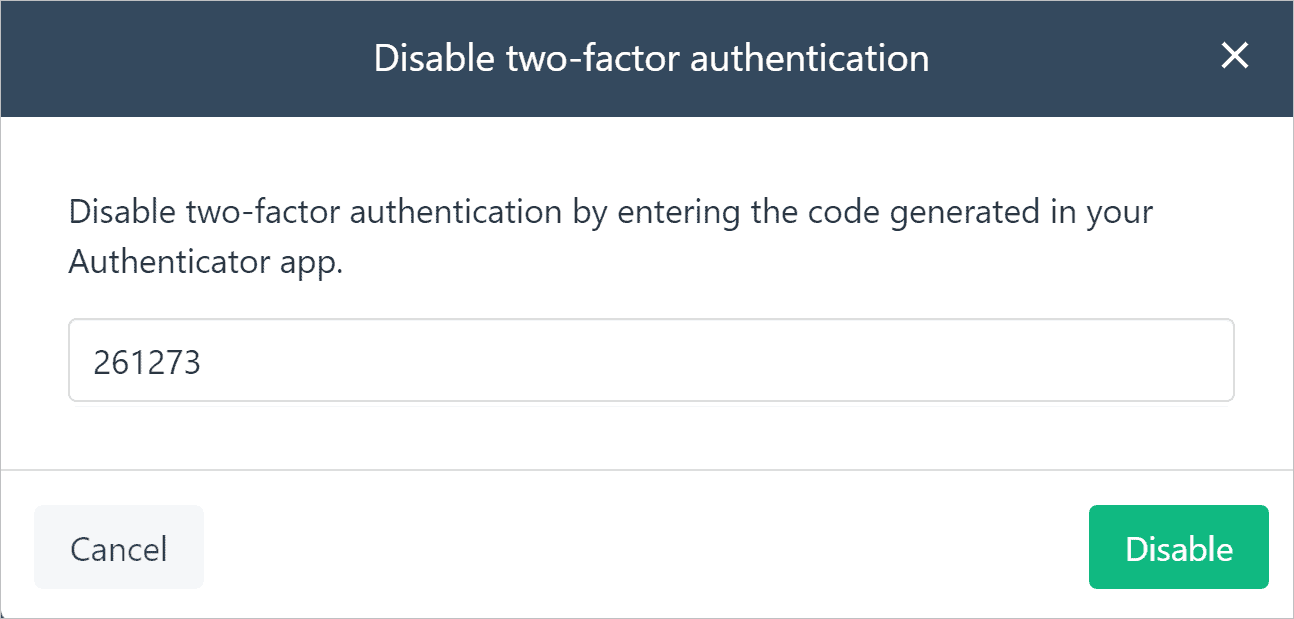
Click Disable on the pop-up window.
Viewing email history
You can view a log of their emails and read each message.
Click email history on the left menu. A list of email message displays.
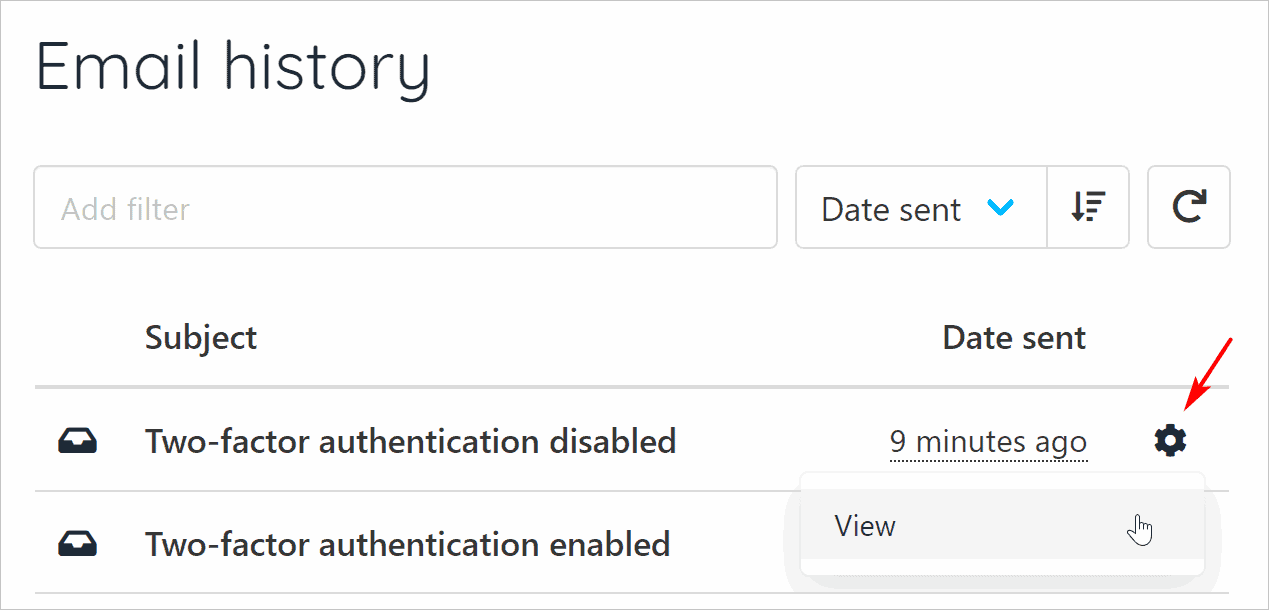
Click the gear icon to read a message.