
This article shows you how to view invoices, credit notes, and funds in a credit account.
Viewing invoices
Log in to the store account.
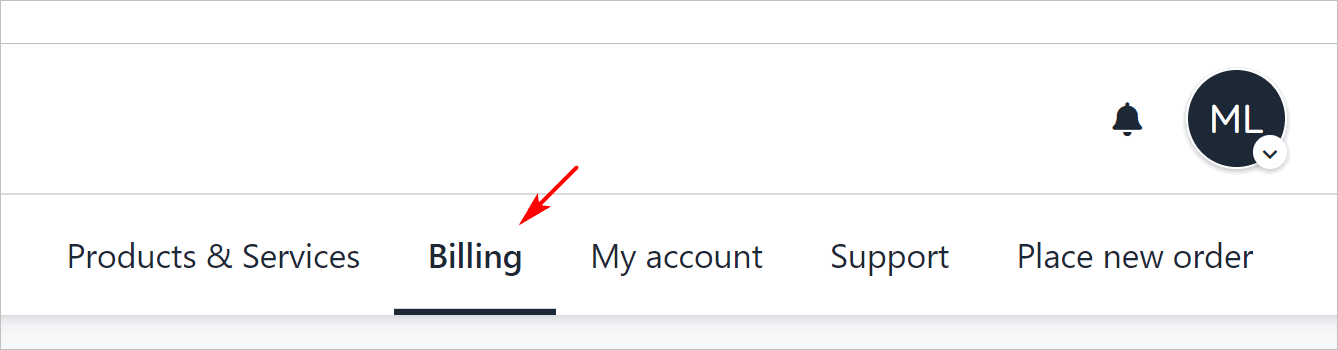
Click the Billing menu tab.
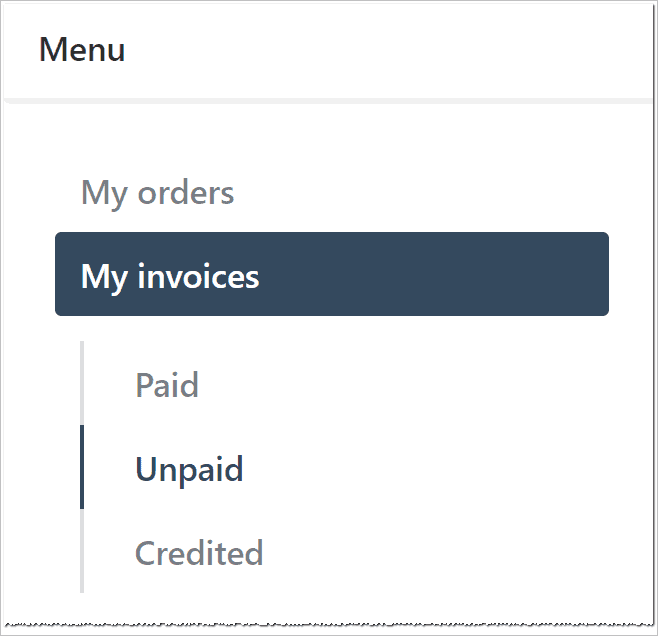
On the left menu, click the My Invoices menu tab. A list of all invoices displays.
Click a subheading to view Paid, Unpaid, or Credited invoices.
Making a payment
To make a payment from an invoice page:
Go to the My invoices page.
Click Unpaid on the left menu.
Click an invoice.
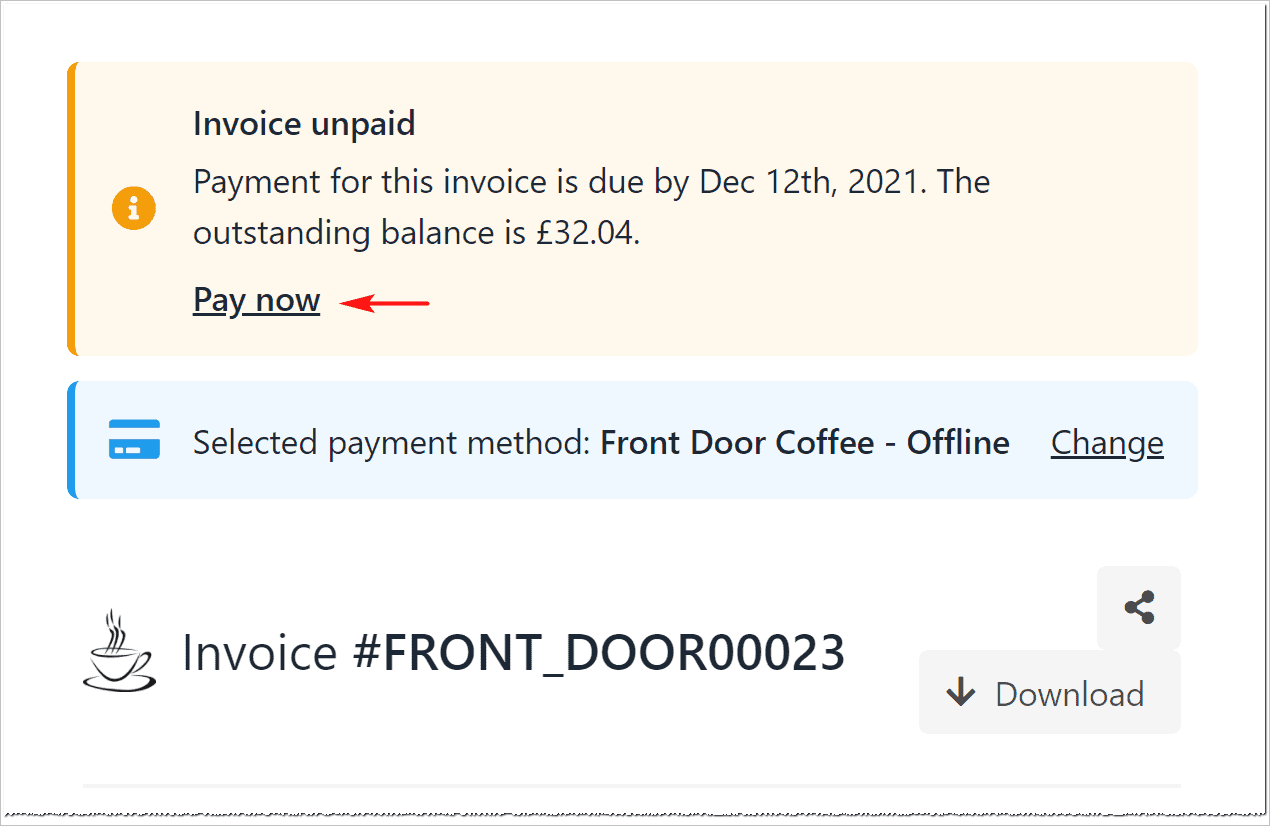
Click Pay now at the top of the invoice.
Select a payment method and fill the fields.
Changing a payment method
Clients can change the payment method on the invoice page.
Click Change on the invoice page.
Fill the fields.
Viewing credit notes
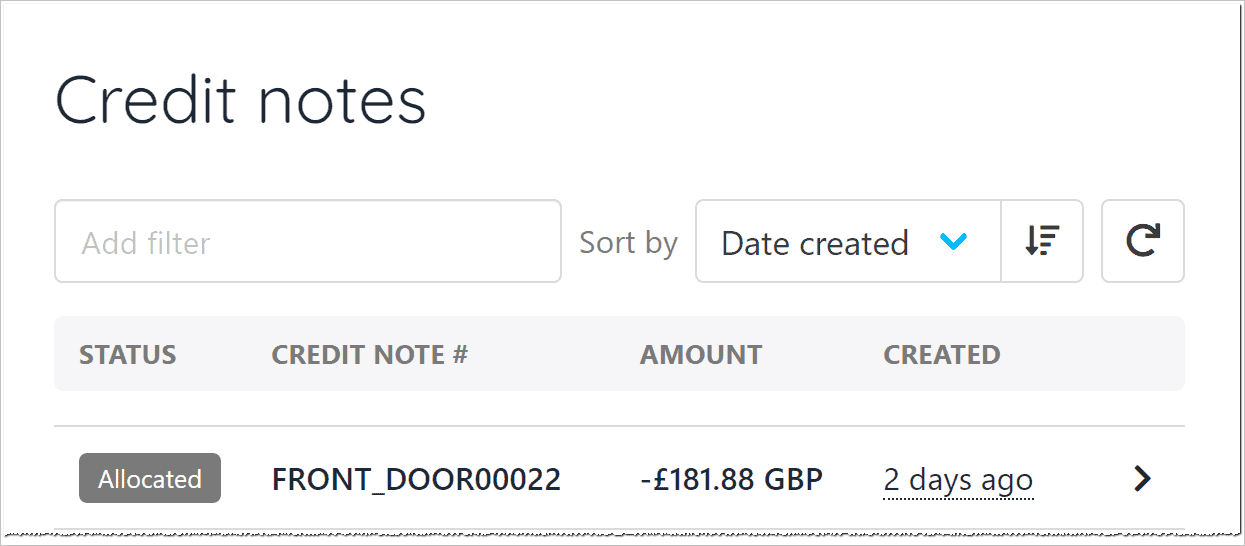
Clients can see a list of credit notes (refunds) from your store.
Go to the My invoices page.
Click Credit notes on the left menu.
Click an item to review details.
Reviewing account credit
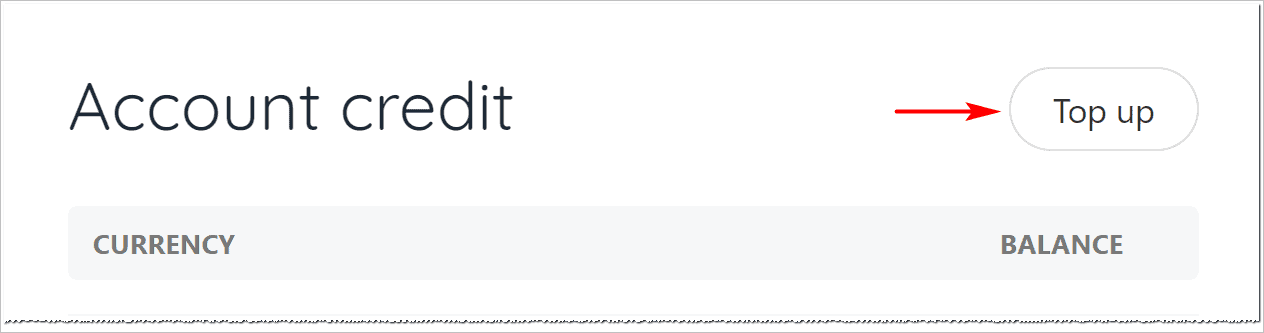
Your clients can view and top up their account credit (if they choose to use this payment method).
Go to the My invoices page.
Click Account credit on the left menu.
The Account credit page shows current funds available.
Adding funds
To add money to an account:
Click the Top up button.
Enter an amount.
Fill the fields on the payment page.